Photo printer size: 4x6, letter or 13 x 19
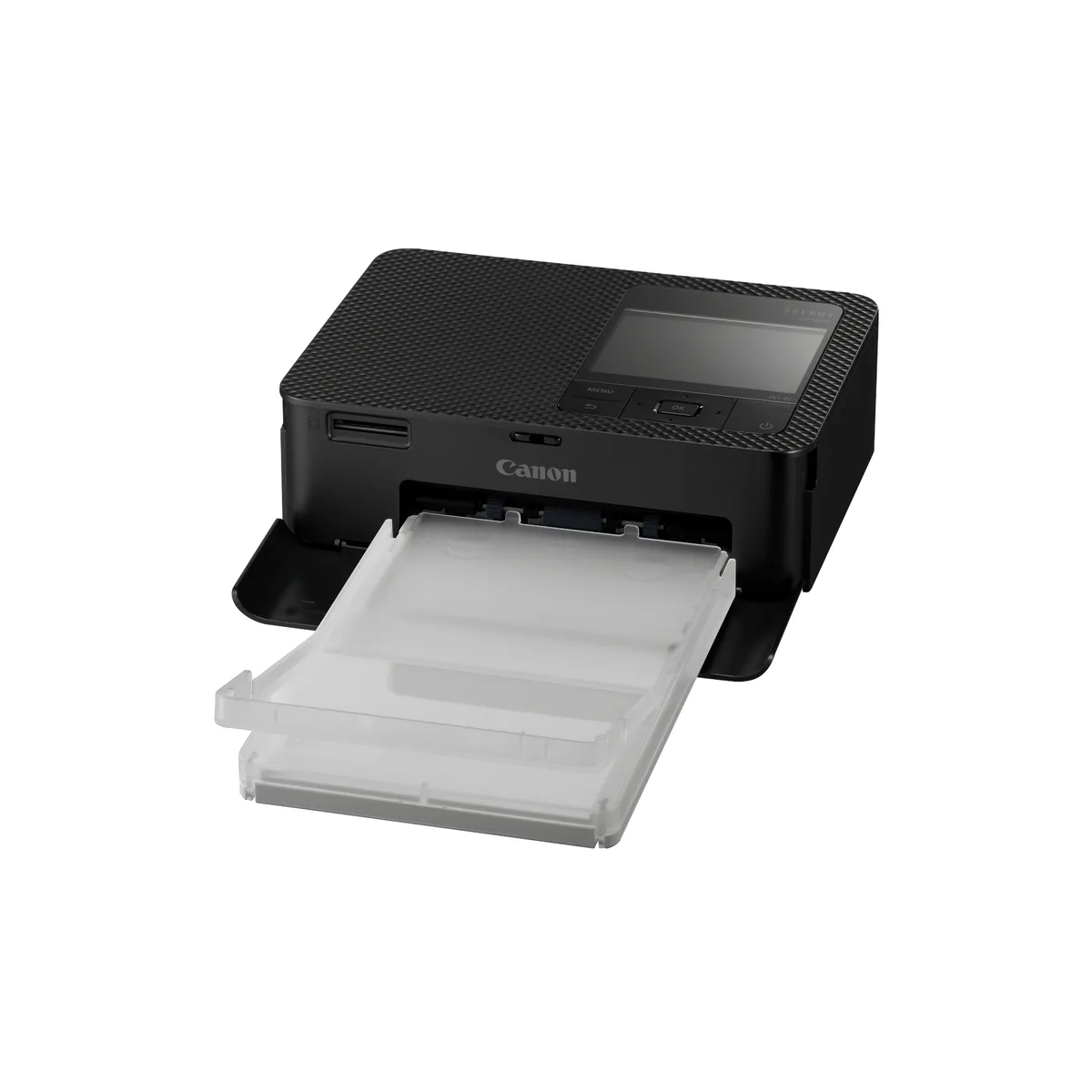
Choose the largest print you will make, then the smallest class of printer that makes it, because each step up in paper takes more desk than it looks. A 4x6 dye sublimation printer such as the Canon SELPHY CP1500 weighs about 850 g. The letter size Epson EcoTank Photo ET-8500 needs 24.1 inches of depth while it prints, the 13 x 19 inch ET-8550 needs 29.8 on the same six inks, and Canon UK gives the 13 inch PRO-310 at 837 mm deep with its trays extended.
The size in a photo printer's name is the paper, and the printer needs room for the trays that feed and catch it. Epson lists the ET-8550 at 14.9 inches deep in storage and 29.8 inches deep while printing. Canon UK's specification, as Northlight Images reproduces it, gives the imagePROGRAF PRO-310 at 639 x 379 x 200 mm with the trays retracted and 639 x 837 x 416 mm with them extended, more than double the depth.
What decides it, in order
Work down these. Each one narrows the answer, and the first is the one most buying guides skip.
What is the largest print you will make?
The biggest print sets the class of machine, and the three classes are built differently even where their paper sizes overlap.
- 4x6 and smaller
- A dye sublimation printer. The Canon SELPHY CP1500 prints postcard size at 100.0 x 148.0 mm borderless, card size at 54.0 x 86.0 mm and 50 x 50 mm square labels, and Trusted Reviews says no larger formats are available. The KODAK Dock Plus prints 4x6 only.
- Up to letter or 8 x 10
- The Epson EcoTank Photo ET-8500. Its spec sheet lists a maximum of 8.5 x 14 inches (Legal) and borderless printing on Letter, 8 x 10, 5 x 7 and 4 x 6 among others.
- Wider than 8.5 inches, up to 13 x 19
- The Epson ET-8550 or the Canon imagePROGRAF PRO-310, both borderless to 13 x 19 inches (A3+). Both list A3 and 11 x 17, Canon lists 11 x 14 for the PRO-310, and on the Epson an 11 x 14 sheet goes in as a user defined size. Northlight Images says that apart from size, the ET-8500 is identical to the ET-8550.
- Panoramas
- Canon rates the PRO-310 for long paper to 1.8 m, which Northlight says works with normal media settings, and lists a 210 x 594 mm panorama size. Epson lists user defined sizes up to 13 x 78.7 inches on the ET-8550 and 8.5 x 78.7 inches on the ET-8500, but Northlight found custom sizes stop just short of a meter on an ET-8500 driven from a Mac, where Photo Review's driver allowed two meters.
Where will it sit while it prints?
A printer at work is bigger than the box it ships in, and Epson and Canon both state a second, larger footprint for it.
- In a bag, or on a shelf
- The SELPHY is 182.2 x 57.6 x 133.0 mm and approx. 850g, and Trusted Reviews says postcard prints briefly poke from the rear, so it cannot sit against the back of a desk. The KODAK Dock Plus is 168 X 111 X 70 mm and 760g, and Alison Winterroth notes it needs to be plugged into a power outlet.
- On a desk
- The ET-8500, at 15.9 x 24.1 x 13.7 inches while printing and 18.5 lb by Epson's sheet.
- On a table of its own
- The ET-8550 at 20.6 x 29.8 x 16.9 inches while printing and 24.5 lb, or the PRO-310 at 639 x 837 x 416 mm with its trays extended and 14.4 kg, by Canon UK's figures, plus the access behind it Northlight asks for.
How thick is the paper?
The thickest media go through a single sheet feed on every inkjet here, and those feeds have limits.
- Glossy or luster photo paper
- Any inkjet here. For a run of big sheets, the ET-8550 rear tray holds 5 sheets of A3+ photo paper, and Canon Canada rates the PRO-310 top feed at 1 sheet of 13 x 19.
- Heavy fine art paper, card or board
- Both Epsons take media to 1.3mm through the rear straight pass, one sheet at a time. The PRO-310 manual feed takes 0.1 to 0.6 mm, and Northlight says its curved print path will not accept board or stiff media, although less so via the rear feed path.
- Only the paper sold with the ink
- The two dye sublimation printers. The SELPHY uses Canon sets such as the RP-108, paper and ink cartridge in one box, and the KODAK Dock Plus uses the PHC-80 cartridge and paper pack.
Does it need to scan or copy as well?
The two Epsons carry flatbed scanners and the PRO-310 does not, so this one question can settle the 13 inch pair.
- Yes
- The ET-8500 scans to 8.5 x 11.7 inches and the ET-8550 to 8.5 x 14 inches, both flatbed. PCMag notes neither has an automatic document feeder.
- No
- The PRO-310 is print only. RTINGS and Digital Camera World both list no scanner.
Where do the photos come from?
Small printers are built around a phone, and a computer workflow is where they differ most.
- A phone, and nothing else
- The KODAK Dock Plus prints through its app over Bluetooth or the USB-C dock, and the maker's FAQ says to transfer files from a computer to the phone first.
- A camera card
- The SELPHY reads SD cards, and both Epsons list SD Card and USB memory slots.
- A computer and an editing app
- One of the inkjets. The SELPHY is contested here: Canon footnotes USB printing via Windows 10, Trusted Reviews says there are no PC drivers, and 4 of about 60 owners we counted report trouble printing from a PC.
29.8 inches. That is how deep Epson says the EcoTank Photo ET-8550 is while it prints, twice its 14.9 inches in storage. Its 13 inch rival from Canon goes from 379 mm to 837 mm with the trays out. Photo printer size is quoted as a sheet of paper, and the trays that feed and catch the sheet need room of their own.
Type what size photo printer do I need into a search box and you are asking two things. The first is the biggest print you will make, which picks a class. The second is the surface it lives on, measured with the paper moving. Answer only the first, and the printer can fail the second.
The five printers below are the picks on our photo printer shortlist, and between them they span all three classes.
Photo printer size is three classes, not a dial
A 4x6 photo printer, a letter inkjet and a 13 inch inkjet are different machines, and the chemistry splits between the first and the other two. There is no model that slides smoothly from one to the next.
The small class is dye sublimation. A ribbon lays down three dye colors in turn, then a clear coat, and the paper comes in a box with the ink. The two inkjet classes share hardware so closely that Epson makes one machine in both sizes. Northlight Images found that apart from size, the ET-8500 is identical to the 13 inch ET-8550, and that their ICC profiles are 100% interchangeable.
It simplifies the decision. Moving from letter to 13 x 19 buys paper size and a longer scanner bed and little else, so the only question is whether you will print big often enough to give up the desk.
What does 4x6 actually cover?
Postcards, wallet cards and stickers, and nothing larger. Canon lists the SELPHY CP1500 at 100.0 x 148.0 mm borderless for a postcard, 54.0 x 86.0 mm for a card and 50 x 50 mm for square labels, and Trusted Reviews adds that it will not print on plain paper.
The shape catches people more than the size does. A 4x6 sheet is 3:2, and a KODAK Dock Plus owner, writing the printer up on a personal blog, notes that phones make images in the 4:3 ratio. That printer cropped the sides off; shrinking the photo in the app saved the frame and left a white border top and bottom. Fit a 4:3 frame to a 3:2 sheet and about 11 percent of it goes, so compose loosely or plan to trim.
Both small printers fit on a bookshelf, given room behind the SELPHY for the print. Only the SELPHY can run on a battery: Canon sells the NB-CP2LI for it, while the Kodak runs on mains power.
Letter against 13 x 19 on the same inks
Here the arithmetic is simple, because Epson's two spec sheets differ almost only in the rows that describe size. Both print with the same six inks, at the same 5760 x 1440 dpi, from the same 552 bottles. The ET-8500 tops out at 8.5 x 14 inches (Legal). The ET-8550 takes 13 x 19 inches (A3+) and 11 x 17, and its scanner grows from 8.5 x 11.7 inches to 8.5 x 14 with it.
What the larger one costs you is room. While printing, Epson gives the ET-8500 as 15.9 x 24.1 x 13.7 inches and the ET-8550 as 20.6 x 29.8 x 16.9 inches. The bigger one is 4.7 inches wider and 5.7 inches deeper, and 6 lb heavier at 24.5 lb. PCMag points out that even though the ET-8550 prints pages more than twice the size, it has the same paper capacity.
Our ET-8500 vs ET-8550 comparison covers the rest of that pair. For sizing, one test settles it: if nothing you print this year is wider than 8.5 inches, the ET-8500 covers it. An 11 x 14 print fails it, and so does A3.
The photo printer footprint while it prints
Both makers give a photo printer footprint twice. Epson's sheets list each machine in storage and while printing, and the ET-8550 goes from 14.9 inches deep to 29.8.
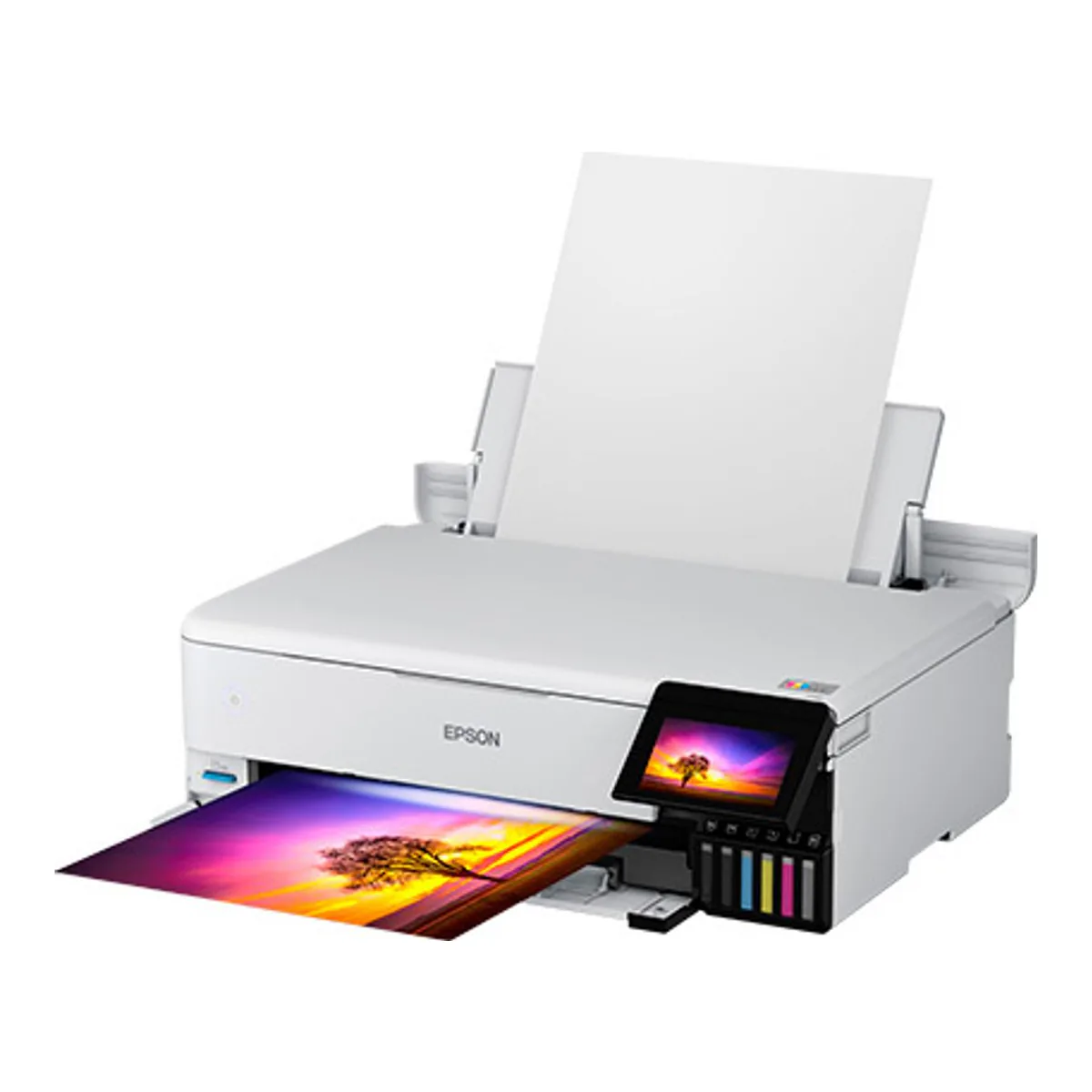
The Canon grows more. Canon UK's specification for the imagePROGRAF PRO-310, which Northlight Images reproduces in its review, gives 639 x 379 x 200 mm with the trays retracted and 639 x 837 x 416 mm with them extended. Call it 33 inches deep, roughly 3 inches more than the Epson needs. Digital Camera World says the top input adds little to the footprint, unless thick or panoramic media needs the lower manual feeder. Measure against Canon's extended figure anyway.
Then leave the back open. Northlight says the rear feed needs extra space for access with larger papers such as 13 x 19, and room in front for the finished print as well. On a shelf with a wall behind it, the PRO-310 loses its manual feed, the slot for media up to 0.6 mm thick.
The 4x6 machines have the same problem at a smaller scale. Trusted Reviews says SELPHY prints briefly poke out of the rear during printing, so the printer cannot sit flush against the back of a desk.
Heavy paper narrows the field
Thickness splits the big printers more than size does. Both Epsons take media up to 1.3mm through a single sheet rear straight pass, and Epson says the path accommodates cardstock. The PRO-310 manual feed handles 0.1 to 0.6 mm, and Canon Canada rates both of its feeds at about 380 gsm of Canon's own media. Epson's sheets give 300 g/m2 for its own premium glossy photo paper. Both weight figures describe each maker's own media, so check thickness and weight on the paper you plan to buy. Northlight says the curved print path will not accept board or stiff media, although less so via the rear feed path.
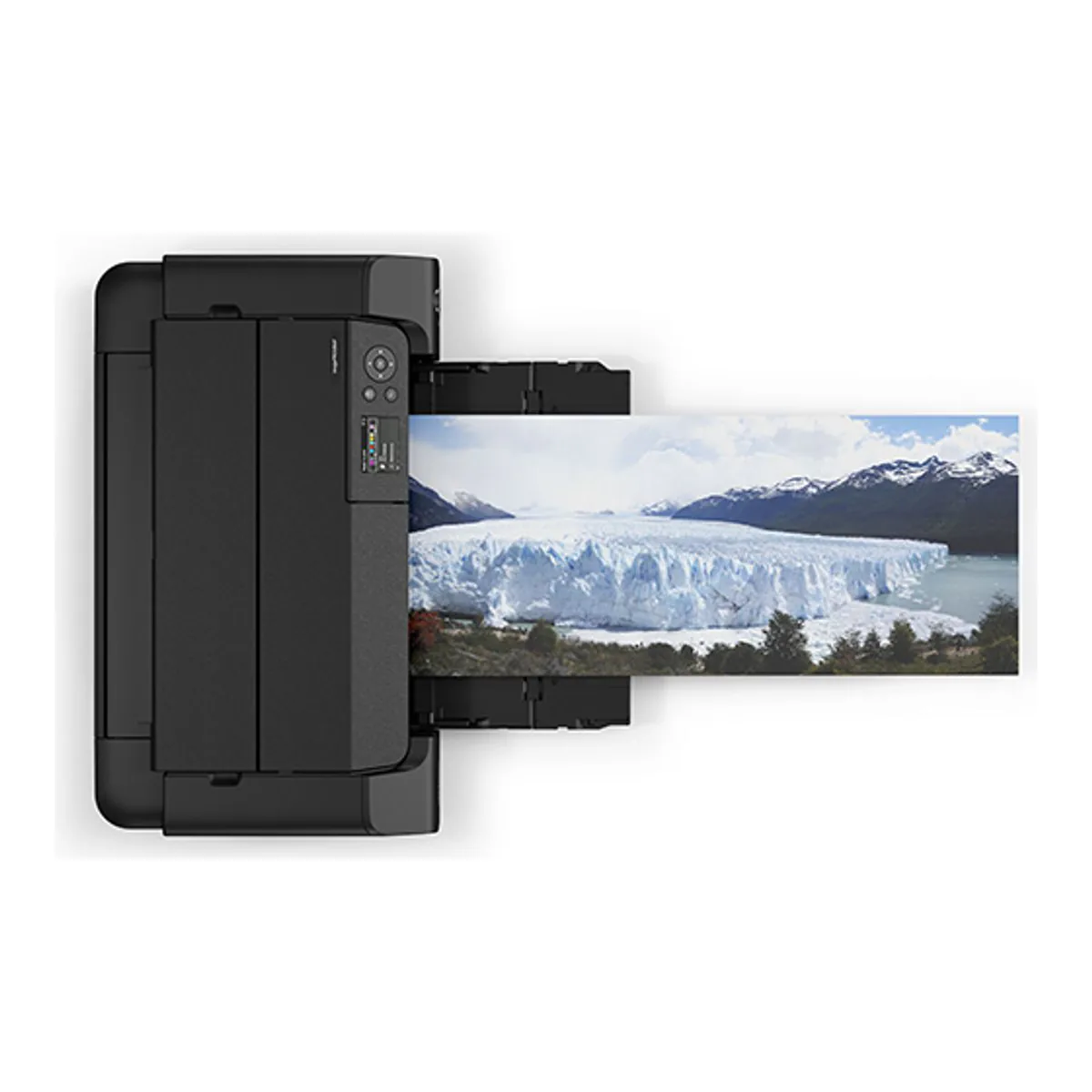
Both makers sell length as well. Canon rates the PRO-310 for long paper to 1.8 m, and Northlight adds that the driver only allows the longest panoramas with Canon's Long Form media settings. Epson lists user defined sizes to 13 x 78.7 inches on the ET-8550, and Northlight's ET-8500 review links an ET-8550 panorama printed on roll paper. The same reviewer found custom sizes on the ET-8500 stop just short of a meter on a Mac, while Photo Review's driver dialog allowed two meters, so check your own driver before buying for length. If panoramas are why you are going big, the space behind the 13x19 photo printer you choose matters as much as the desk under it.
Owners report marks from the paper path too. Of about 51 ET-8500 owners we counted in video comment threads, 6 describe roller marks on prints, and 4 of those tie them to heavy paper. On the ET-8550, 5 of about 60 owners report marks from the paper transport, and only one of the five names heavy stock. Test one sheet of the paper you plan to frame before buying a box.
Buy for the size you print every month
A photo printer that prints different sizes up to 13 x 19 is tempting, because the big print is the one you imagine hanging. Digital Camera World's reviewer, who had just reviewed the 17 inch Canon PRO-1100, argues the other way. They would buy the PRO-310 and order prints online on the rare occasions they want to go larger. Apply the same logic one step down. If letter covers a normal month, the ET-8500 and a print lab cover a big print, and the desk keeps 5.7 inches.
Questions people actually ask
- Can a 4x6 photo printer print 5x7?
- Not the two here. Trusted Reviews says no larger formats than postcard size are available for the Canon SELPHY CP1500, and the KODAK Dock Plus prints 4x6 only. Among these five, a 5x7 needs an inkjet: the Epson ET-8500 has a front tray for 20 sheets of 5 x 7 photo paper.
- What is the largest print a home photo printer makes?
- Among the printers we track, a 13 x 19 inch (A3+) sheet, borderless, on the Epson ET-8550 and the Canon imagePROGRAF PRO-310. For length, Canon rates the PRO-310 for long paper to 1.8 m, which Northlight says works with normal media settings, and the driver goes longer only with the Long Form settings. Epson lists user defined sizes to 13 x 78.7 inches on the ET-8550; on the otherwise identical ET-8500, Northlight found the Mac driver stopped just short of a meter, while Photo Review's driver allowed two meters. Desktop printers do go wider: Digital Camera World reviewed Canon's 17 inch PRO-1100, and its reviewer would still order prints online on the rare occasions they want to go larger than A3+.
- Which photo printer prints the most different sizes?
- A 13 inch inkjet. Canon Canada lists the PRO-310 from a 3.5 inch square through 13 x 19 inches and a 210 x 594mm panorama, and Epson lists the ET-8550 borderless from 3.5 x 5 to 13 x 19 inches.
What that lands on
Machines that satisfy the chain above. The condition is on each one, because a machine that is right for one answer is wrong for another.
We earn a commission on qualifying purchases through the links here, at no cost to you. It never decides what makes the list.
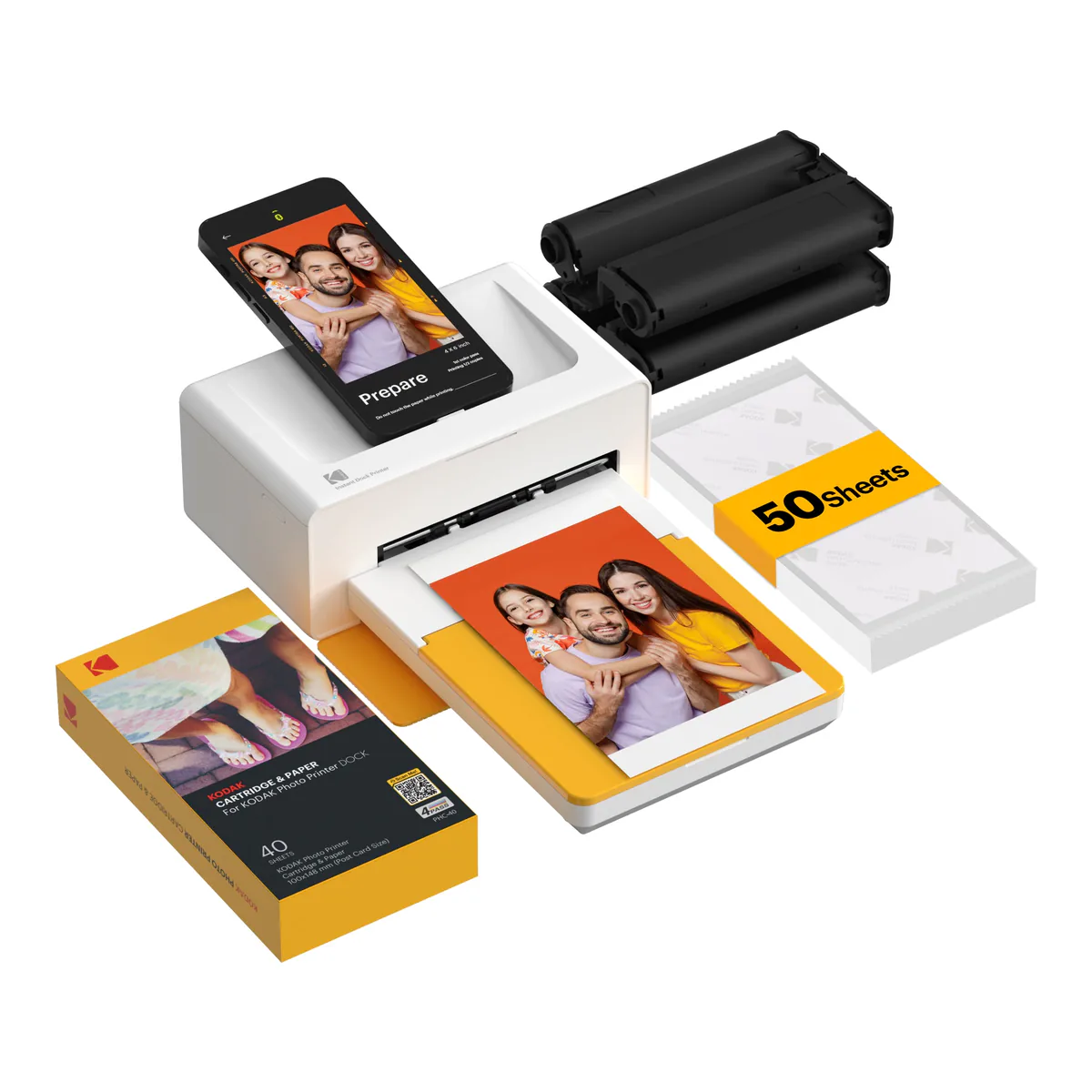
KODAK Dock Plus
Right when every print is a 4x6 from a phone, the printer can stay plugged in, and you like the phone charging on the dock while it prints.
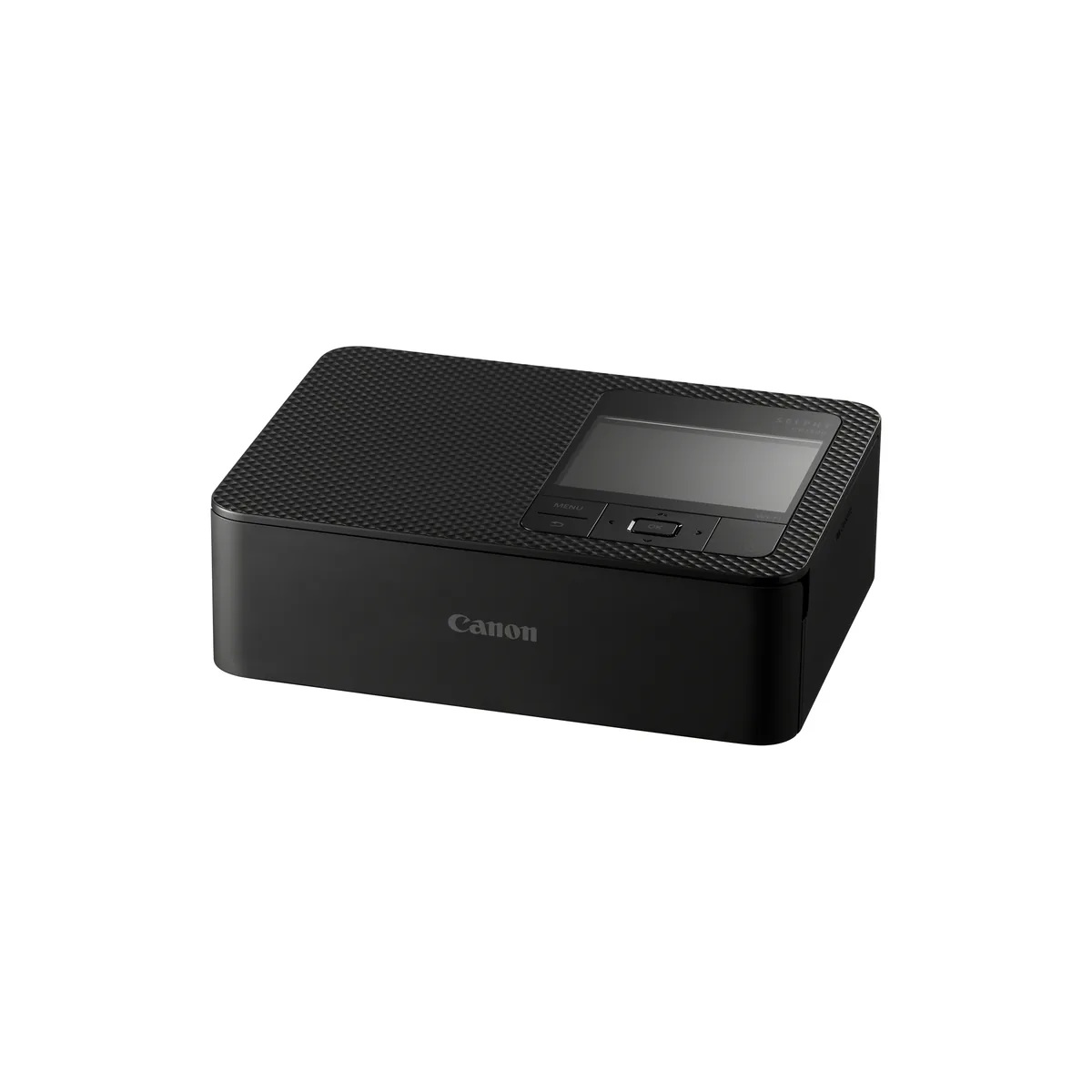
Canon SELPHY CP1500
Right when prints are postcard size or smaller, it has to travel, and the optional NB-CP2LI battery, rated for up to 70 postcard prints per charge, covers the event.
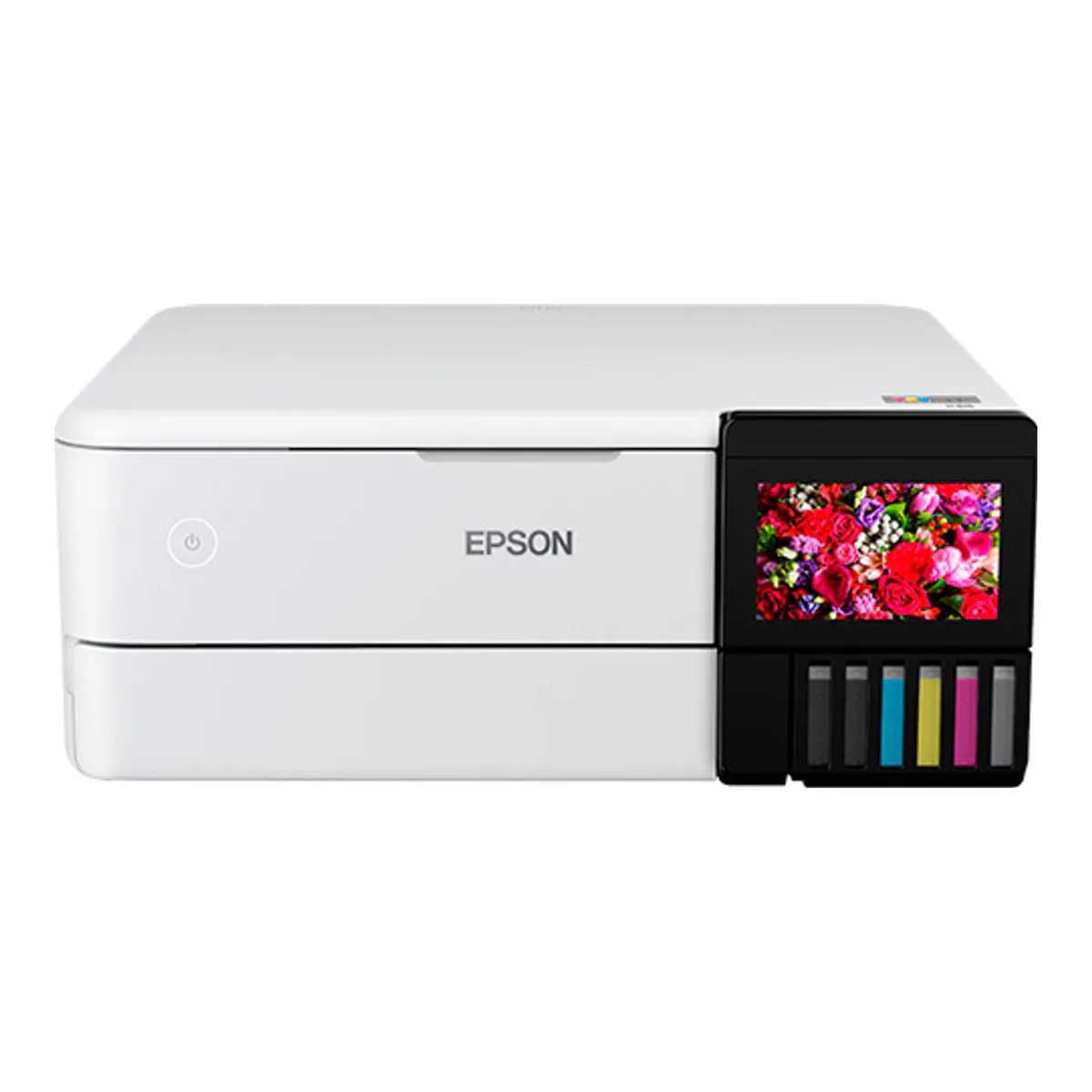
Epson EcoTank Photo ET-8500
Right when nothing you print is wider than 8.5 inches, the desk gives it 24.1 inches of depth, and a flatbed scanner earns its place.
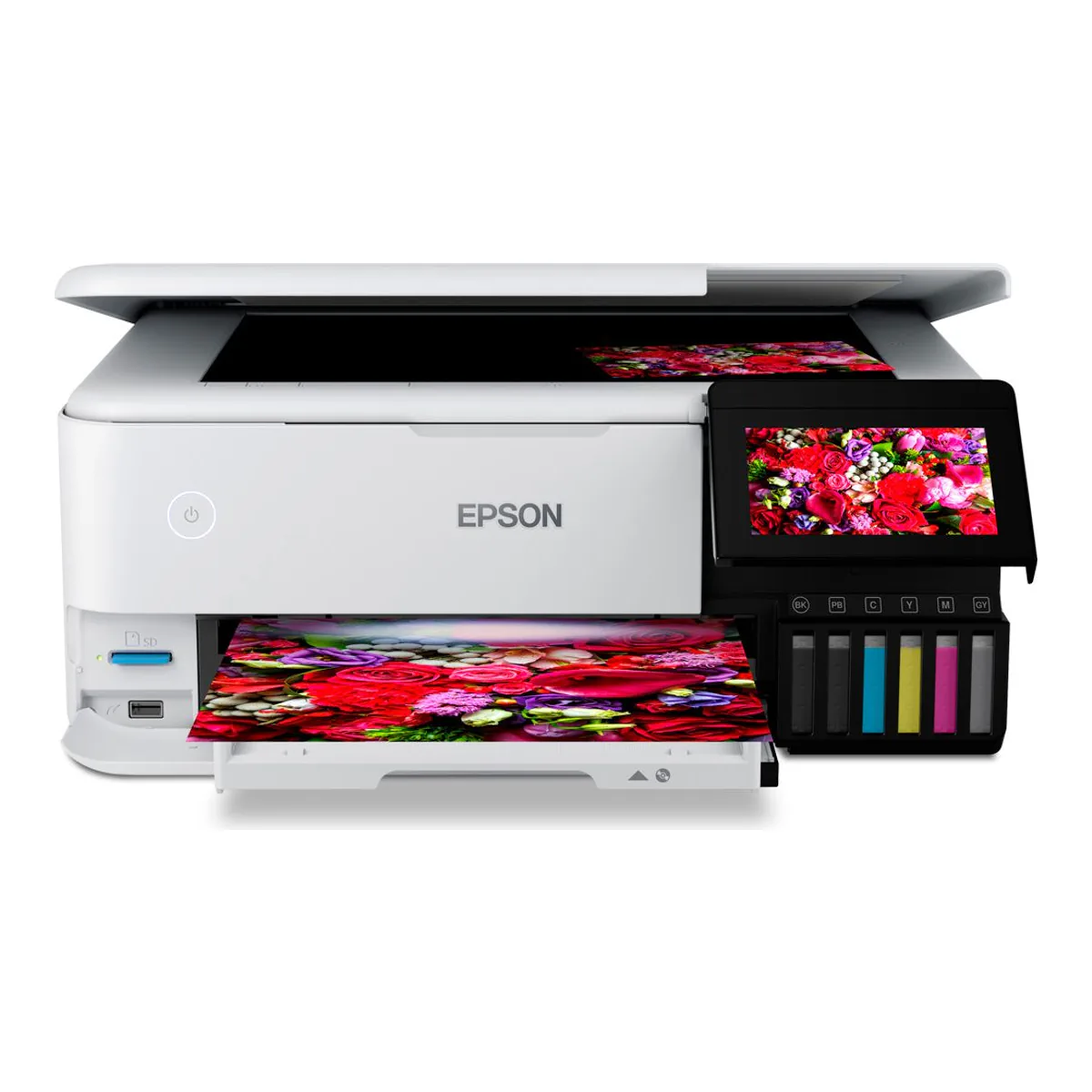
Epson EcoTank Photo ET-8550
Right when you want 13 x 19 borderless and a scanner in one machine, and a table can give it 20.6 by 29.8 inches while it prints.
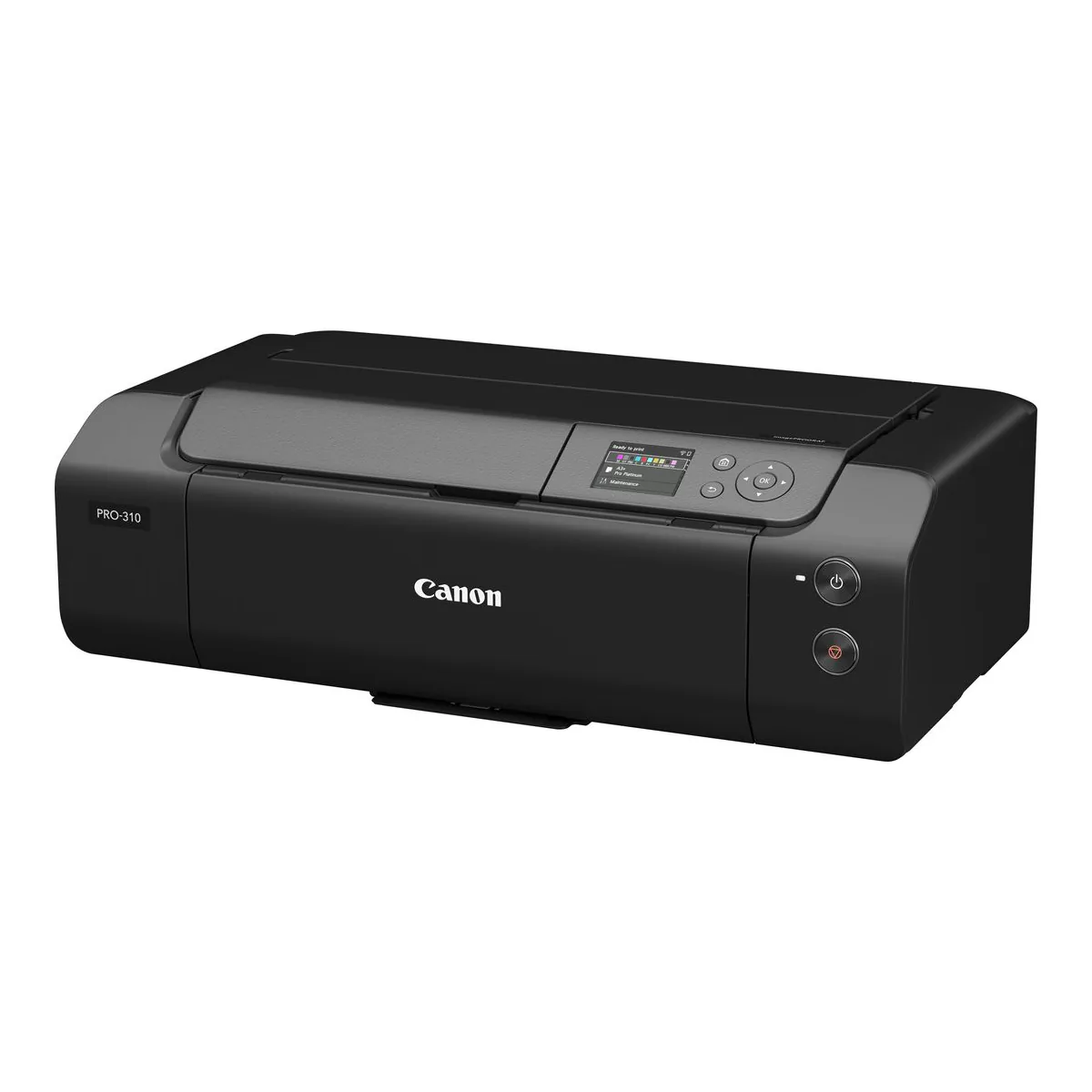
Canon imagePROGRAF PRO-310
Right when you print 13 x 19 on pigment ink, need no scanner, and the table gives it 837 mm of depth with the trays out, plus access behind for the manual feed.