Epson Lifestudio Grand review (V11HB82120, V11HB82020)
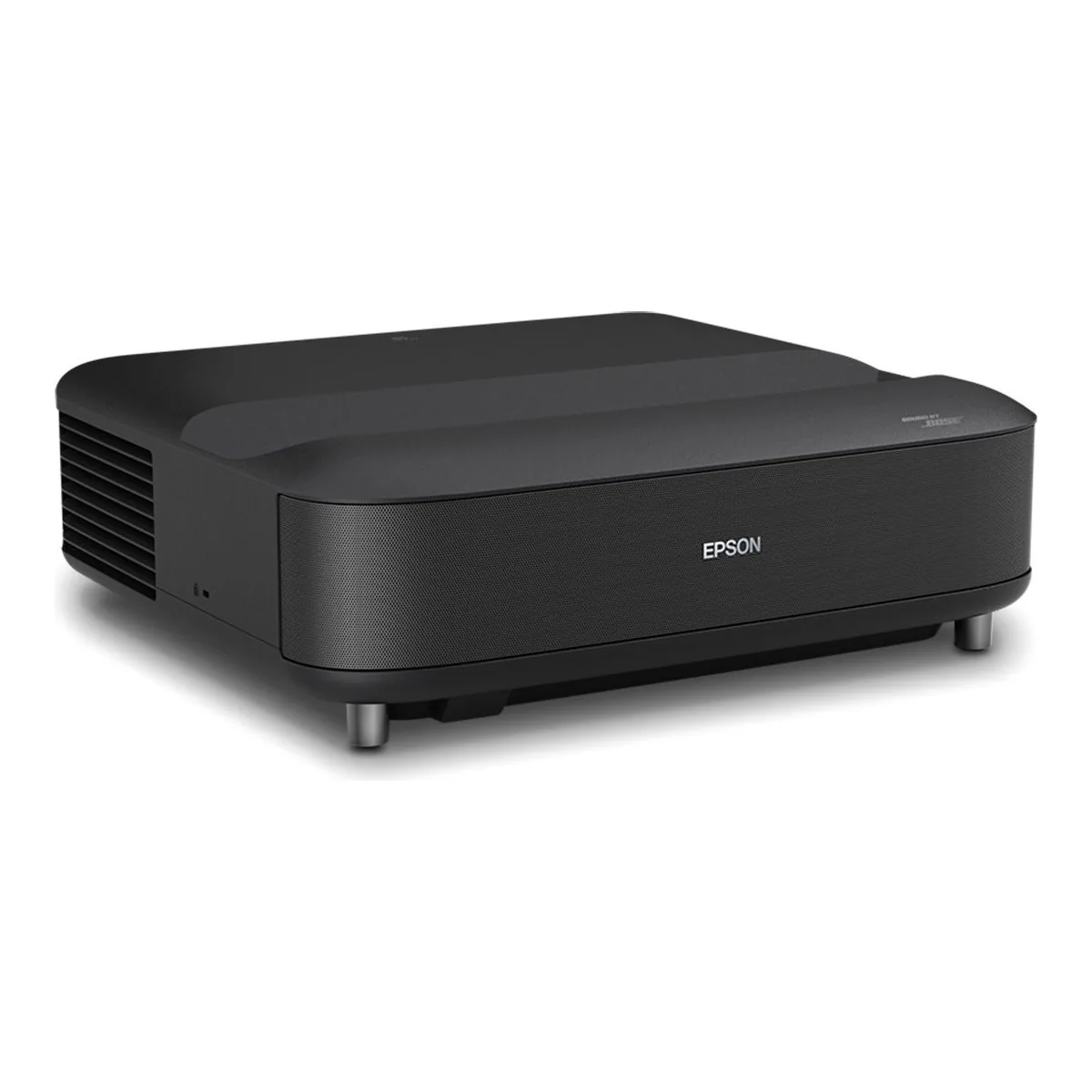
A bright 3LCD ultra short throw for a living room with the lights on and a viewer who sees rainbows on DLP. Skip it for a dark home theater, where triple laser sets pull ahead, or for a screen past 120 inches or a 4K 120Hz console, which the Grand Plus handles.
- 3-chip 3LCD ultra short throw laser projector, native 1080p panels with 4K PRO-UHD pixel shift to a maximum resolution of 3840 x 2160
- 3,600 lumens of color brightness (IDMS 15.4) and 3,600 lumens of white brightness (ISO 21118)
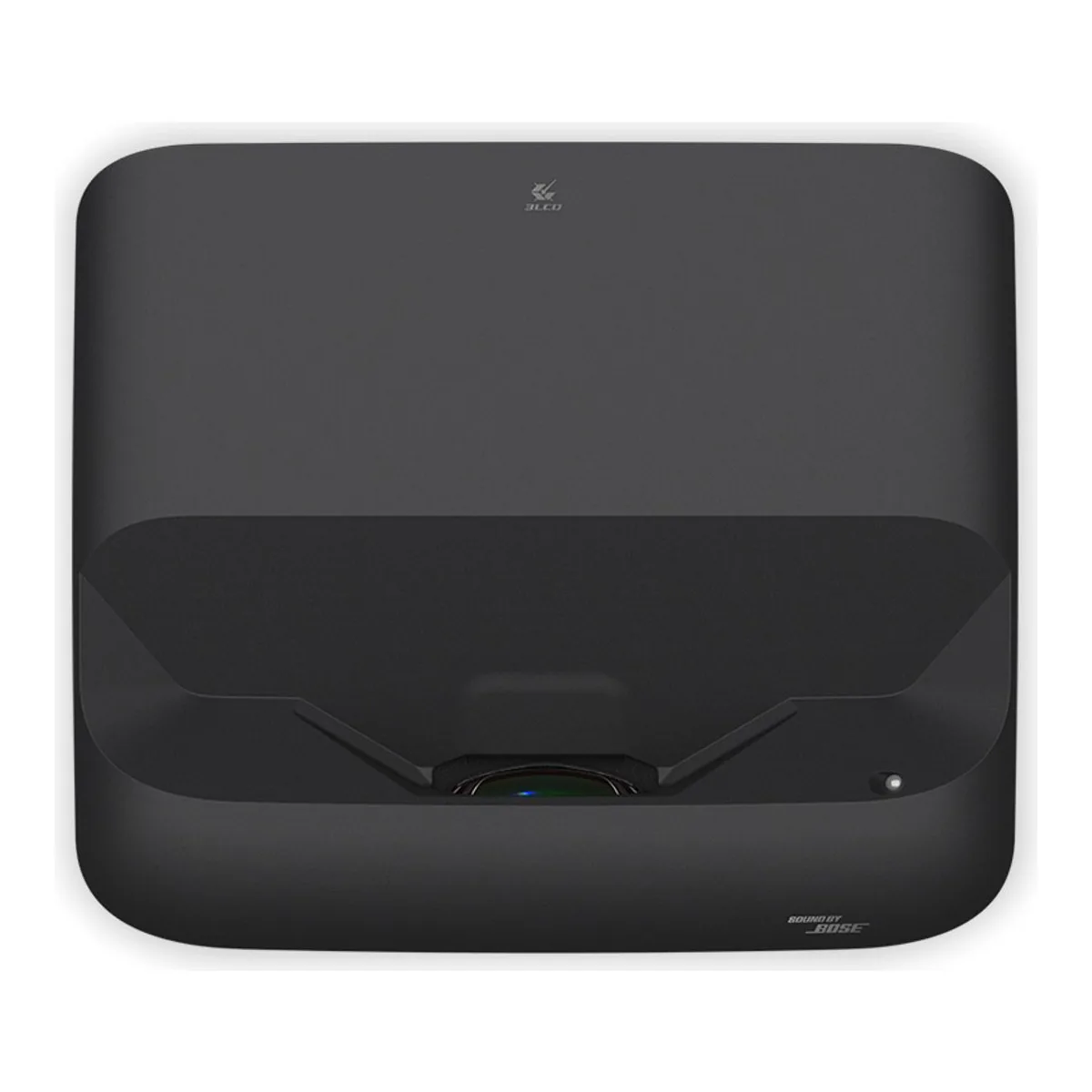
- Picture sizes from 60 to 120 inches; throw ratio 0.25 at Wide and 0.62 at Tele, by digital zoom
- HDR10 and HLG, full 10-bit color, refresh up to 1080p 120Hz
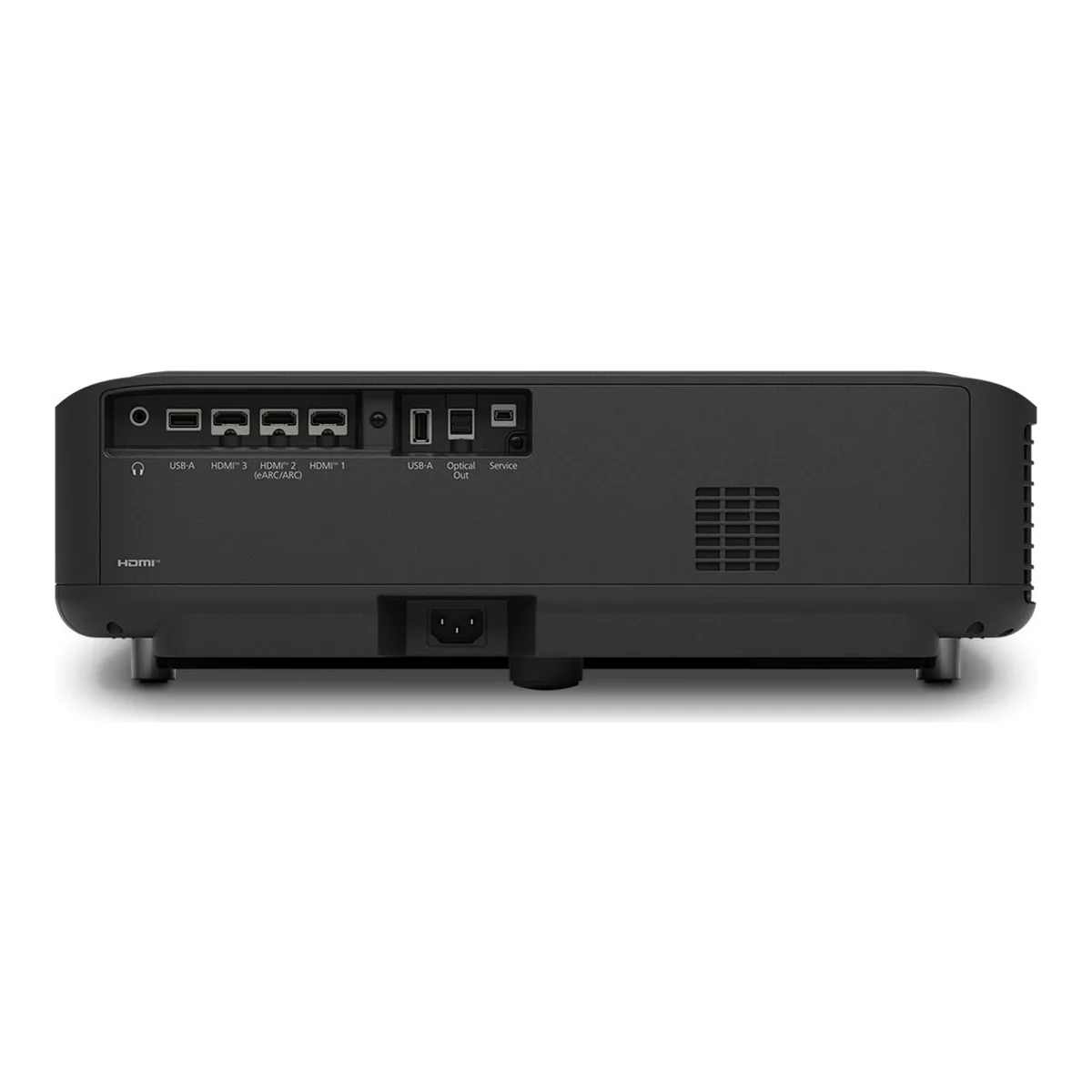
- Three HDMI 2.0 ports at 18 Gbps with HDCP 2.3, eARC on HDMI 2, plus optical and 3.5 mm audio out
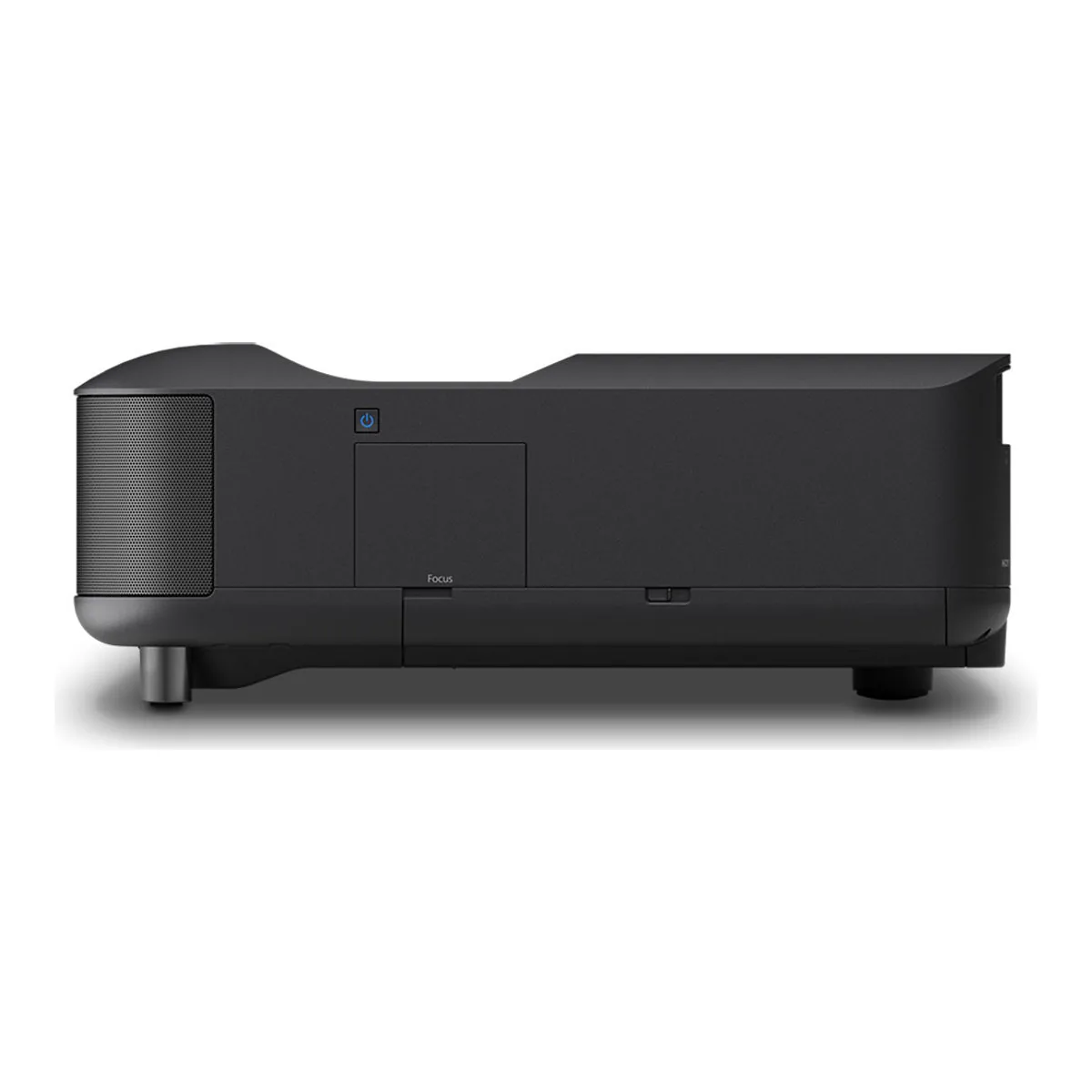
- Sound by Bose 2.1 stereo: two 45 mm full-range drivers and an 80 mm ported woofer, 20 W total
- Google TV built in, Wi-Fi 6E and Bluetooth 5.2
- Laser diode light source rated up to 20,000 hours in Normal mode; fan noise 36 dBA Normal, 23 dBA ECO
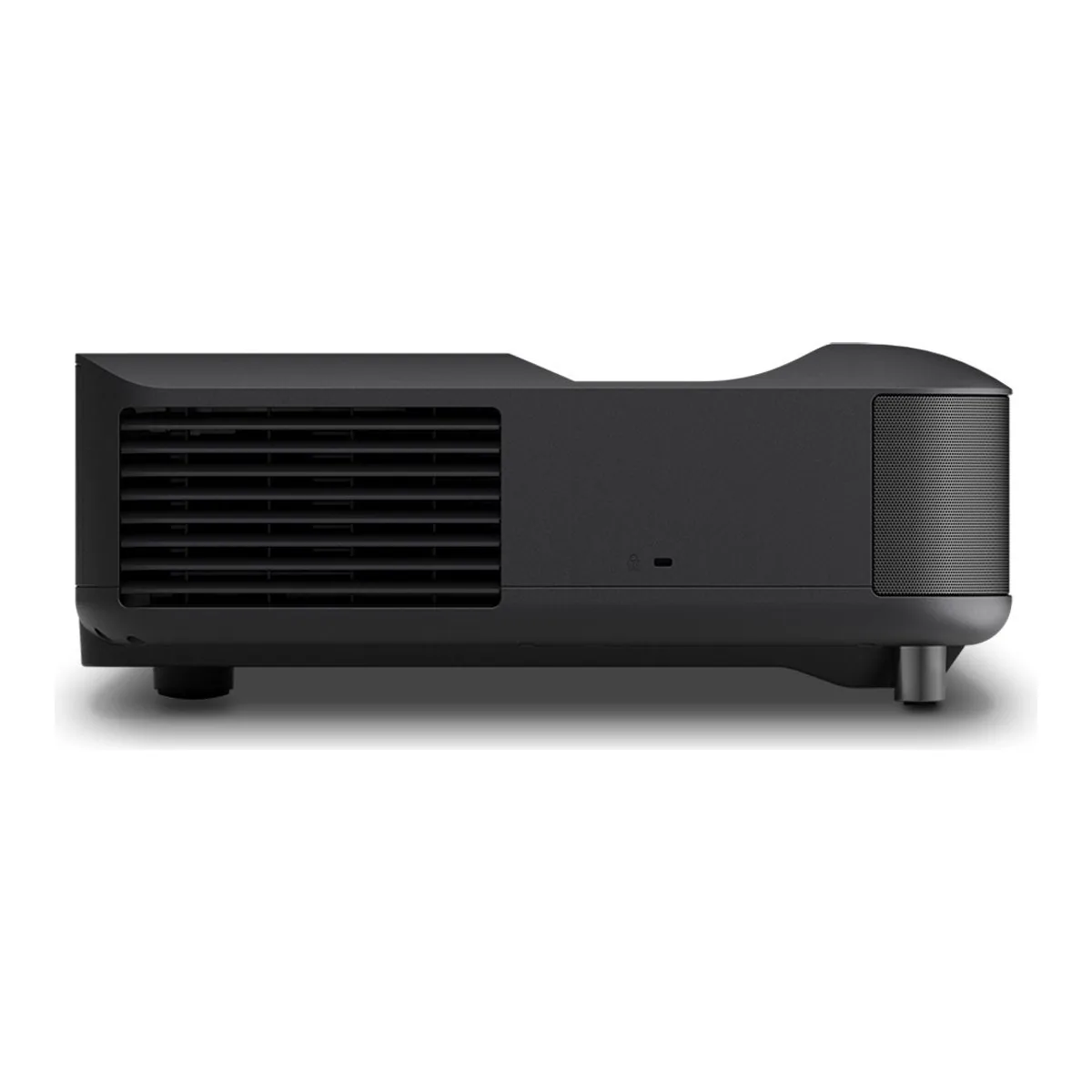
- 18.4 x 15.7 x 6.2 inches including the feet, 16.6 lb
- Black (V11HB82120) or white (V11HB82020), 2-year limited warranty
We earn a commission on qualifying purchases through the links here, at no cost to you. It never decides what makes the list.
Put the Epson Lifestudio Grand beside the Epson LS650 it replaces and you will struggle to tell them apart, because TechRadar found it identical "down to the inch and pound". What changed is mostly what it runs and plugs into: a third HDMI port, Google TV, Wi-Fi 6E, ALLM, a 1080p 120Hz mode and Bose in place of Yamaha on the speakers. So it asks the old question. Do you want a bright 3LCD picture with no rainbow flashes badly enough to give up the color of a triple laser?
If your living room has windows and DLP rainbows bother you, yes. If the room goes dark and color matters most, the rest of our UST projector rankings serve you better. Epson's spec sheet and user's guide, ProjectorCentral's instrumented review and TechRadar's test of one at home are what we read. Owner reports are still too few to count.
Epson Lifestudio Grand throw distance, 60 to 120 inches
Throw ratio: 0.25. The picture runs from 60 to 120 inches, and Epson's 16:9 projection table puts the back of the projector this far from the screen surface:
| Image | Projector back to screen surface |
|---|---|
| 60 in | 0.7 in |
| 80 in | 5.6 in |
| 100 in | 10.6 in |
| 120 in | 15.5 in |
Basis: our arithmetic on the 16:9 table in Epson's user's guide, which measures from the lens center, minus Epson's own 30.83 cm from lens center to the rear. ProjectorCentral's own range for the same sizes runs from 0.7 to 15.6 inches.
Now add the cabinet. The body is 15.7 inches deep, which TechRadar flagged against 11.7 inches for the PX3-Pro. Add it to the gap and, by our sum, the front edge sits 31.2 inches from the screen at 120 inches, and a screen that stands off the wall adds its own depth to that. The wall side of the same sum gets its own page: where a UST projector sits against the wall.
Ignore the 0.62 figure at Tele. It is digital zoom. Move the projector instead.
Lifestudio Grand brightness in a lit room
Epson rates it at 3,600 lumens of color brightness and 3,600 of white, and the two match because each primary color gets its own LCD chip, the same design that leaves no rainbow effect to see. ProjectorCentral measured 3,776 ANSI lumens in Dynamic, 4.7% above the rating. Natural, its pick for accuracy, gave 3,323. Plenty for a lamp-lit evening. Direct sun on a dark scene still wins, TechRadar found.
Color and contrast, where 3LCD gives ground
ProjectorCentral puts native contrast near 1,400:1 in Natural with Dynamic Contrast off, and measured a gamut covering 76.35% of DCI-P3 (xy), and it lists limited gamut among its cons. TechRadar, judging by eye, found 3LCD less colorful than RGB laser projectors. HDR stops at HDR10 and HLG, with no Dolby Vision, no HDR10+ and no dynamic tone mapping, and ProjectorCentral saw clipped skies on The Shallows. Uncalibrated, start in Natural. ProjectorCentral found Dynamic Contrast on High Speed gave the best overall results.
Motion handling drew the other complaint. TechRadar saw frame interpolation make hand motion look artificial and smear animation, and with it switched off some pans stuttered.
Which screen the Lifestudio Grand needs
Epson's US sheet names its optional SilverFlex screen and says a plain white wall works too; its international guide lists the ELPSC35 at 100 inches and the ELPSC36 at 120. The two reviews split the difference: ProjectorCentral calibrated on a 120 inch Elite Screens Kestrel CLR at 0.6 gain, while TechRadar ran it on a bare wall and an Akia CineWhite. With lamps on, a light rejecting screen built for ultra short throw is what lets those lumens show.
Gaming on the HDMI 2.0 ports
All three HDMI inputs are 2.0, with eARC on HDMI 2. ProjectorCentral's prose calls them HDMI 2.1, but its own connections list and Epson's sheet say 2.0, and Epson stops at 1080p 120Hz. Game Mode measured 34 ms at 60Hz and 24 ms at 120Hz for ProjectorCentral.
Casual play is fine. TechRadar still felt the delay in fast action titles, and the Hisense PX3-PRO offers a 1080p 240Hz mode for the player who notices.
Sound by Bose, and when to add a soundbar
Two 45 mm drivers and an 80 mm ported woofer make 20 W of 2.1 sound. ProjectorCentral thought it enough for a small gathering. TechRadar disagreed: it kept the volume above 60% in a quiet room, rated it for about a 200 square foot space, and found that with guests over it needs max volume and turns slightly harsh. Movies deserve eARC out to a soundbar, which needs an eARC receiver or bar and either a High-Speed HDMI cable with Ethernet or an Ultra High-Speed one. Fitting one in front of a body this deep is awkward. The remote has no mute button and no backlight.
Lifestudio Grand vs Grand Plus
The Grand Plus is the bigger, newer sibling, and ProjectorCentral reports it replaces the LS800 too. Rated at 4,000 lumens, it reaches 150 inches from 11.2 inches away, adds two HDMI 2.1 ports with 4K at 120Hz and brings the dynamic tone mapping the Grand lacks, and ProjectorCentral measured 29 ms at 60Hz on it. It weighs 27.6 lb and runs 27.4 inches wide against the Grand's 18.4, yet it is only 13.4 inches deep and its 0.16 throw ratio sits it closer to the wall.
Buy the Grand Plus for a screen past 120 inches, a 4K 120Hz console, brighter HDR or a shallow console. Buy the Grand for 100 to 120 inches on a narrow one, or for anything under 80 inches, which the Plus cannot throw.
Lifestudio Grand vs LS650
Same chassis. The Grand adds the third HDMI port, Google TV, Wi-Fi 6E and 1080p 120Hz, and TechRadar heard a quieter fan. New LS650 stock is scarce on Amazon now, so the choice mostly makes itself. Outside the US the Grand sells as the EH-LS670, and one AVForums member who bought the black one and sent it back still praised its quick boot, a snappy Google TV and how quiet it runs.
Who should skip the Epson Lifestudio Grand
A dark home theater is the clearest no.
At 1,400:1 native and roughly three quarters of DCI-P3, it gives ground in the room where contrast and color count most. Skip it if you watch 3D, which it cannot play. Skip it if the wall takes a screen bigger than 120 inches, or if a 4K 120Hz console is the main source. And on a shallow console, measure first: a 120 inch picture needs 31.2 inches of gap and projector in front of the screen.
A closer look at the Epson Lifestudio Grand
Made up your mind?